I built my own local version of Screen Studio with Claude. I called it Retake. Two days, about eight hours of work. It started with a renewal notice that arrived the night before a demo, for a subscription I’d had for months and never thought to replace.
If you design or build things, demos are part of the job. Screen Studio does them beautifully: auto-zoom on clicks, smooth cursor motion, a webcam bubble, padded backgrounds, rounded corners and a clean export. That polish costs US$108 a year, which is fair. It’s also one more subscription.
What had to be true
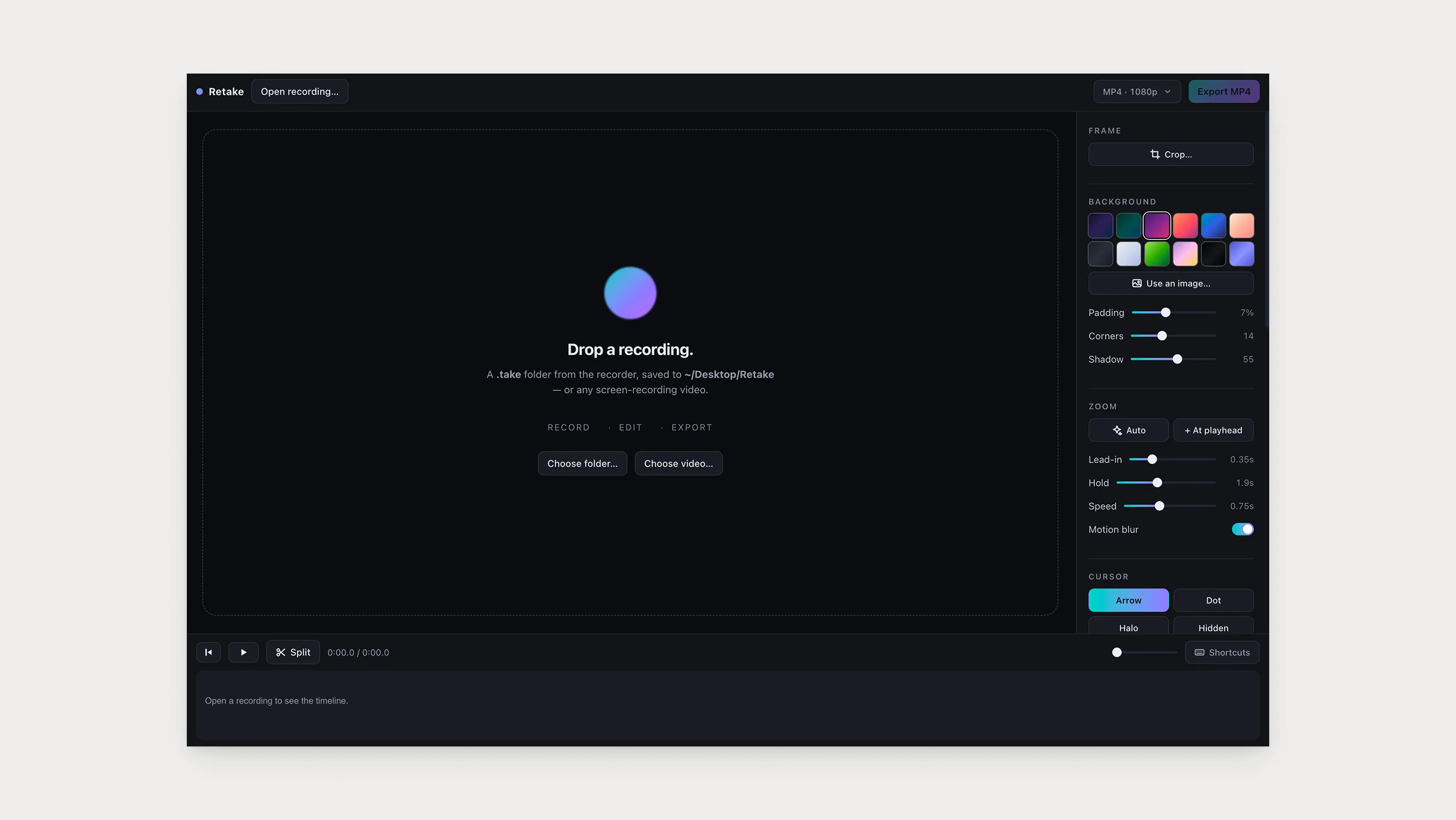
What I’d built was a tiny native recorder you start from a terminal, plus an editor that runs in Chrome from one HTML file. The question that mattered was whether I’d actually use it. Would I trust a free, two-part, terminal-launched recorder with my client work and call it my demo tool? Only if two things were true.
It had to match the magic. Most of why Screen Studio footage looks expensive is motion blur on the zooms and a cursor that behaves: it squeezes on click, fades when you stop moving, snaps back when you start. Each piece is a small thing on its own, and together they’re the difference between a screen recording and a demo.
The limits couldn’t get in the way. There’s no menu bar app and no point-and-click way to choose what you record. It’s a terminal command and it doesn’t pretend otherwise. Pause and resume isn’t there either, on purpose, since pausing means shifting timestamps across three streams at once: screen, cursor and webcam. A stop key and a trim cover almost everything. I’ll build pause when I miss it.
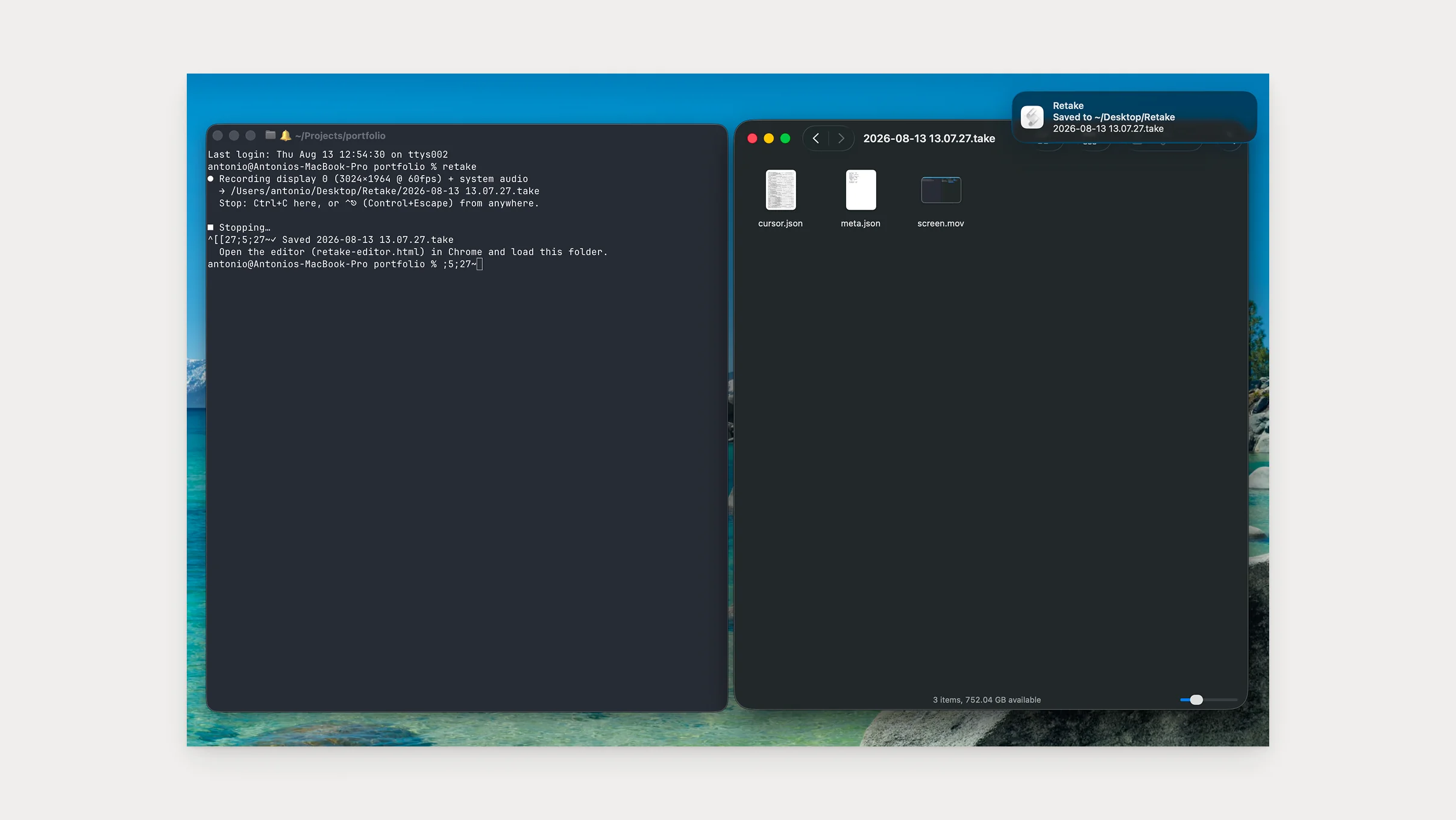
Using it is smaller than it sounds. Type retake in a terminal, do your demo, press the stop key. What you get is a folder: the raw video, with the cursor and click data sitting alongside it. Drop that folder into the editor, press Auto, and it builds zoom-ins from your clicks. Nudge what needs nudging, export, done.
Decisions and their why
The shape came from Claude: a native recorder that captures the screen as data, cursor hidden, positions and clicks logged alongside, and a browser editor that adds the polish afterward. It’s how Screen Studio works internally, as far as I can tell. I went along because nothing gets baked into the pixels, so every effect stays editable forever and the cursor is never lost.
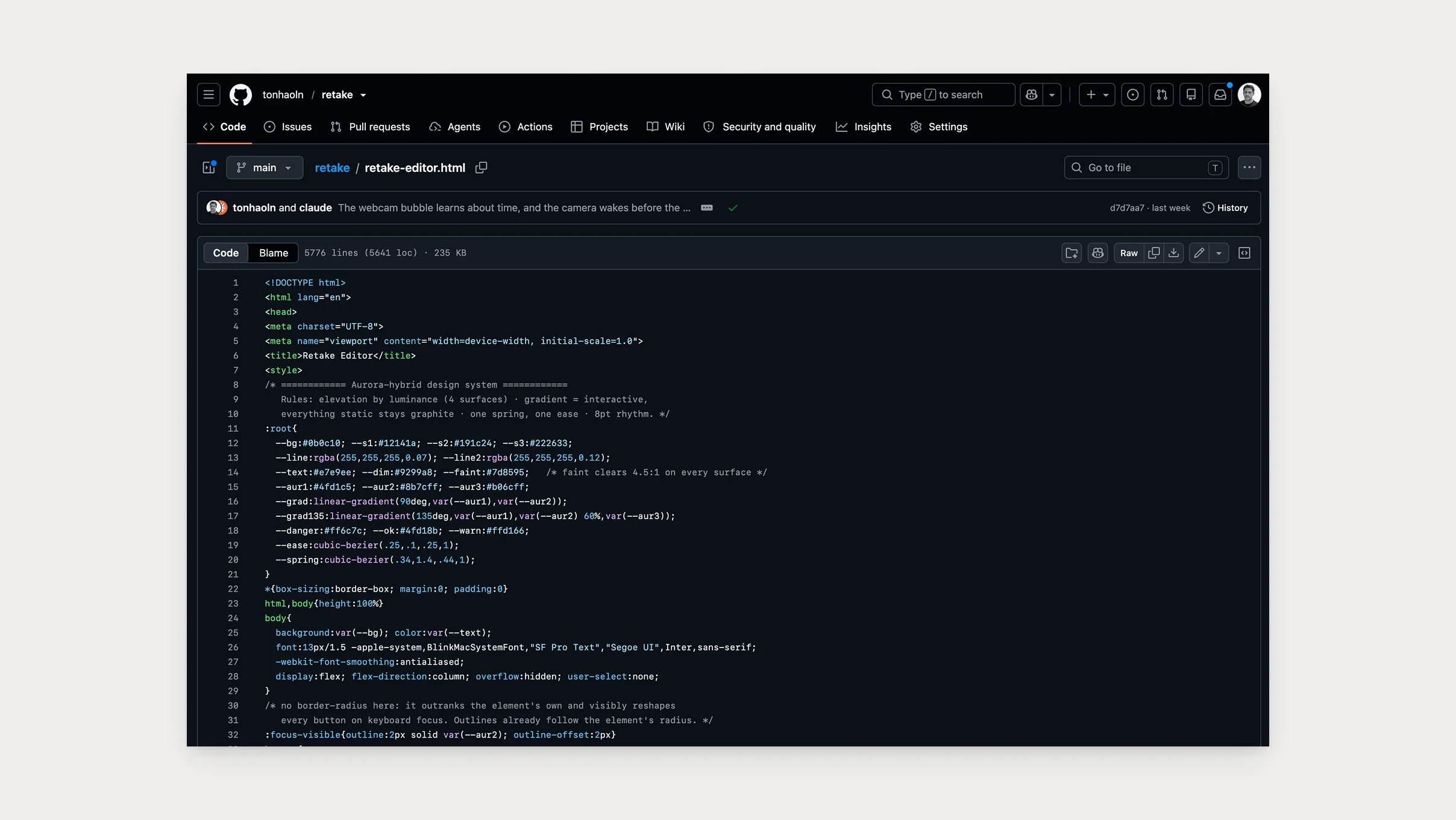
The part I held firm on was simplicity. The editor ships as one HTML file you can open and read, everything it needs packed inside, no server and nothing to install. Anyone who wants to know what it does can look, and a build check proves the file you download is exactly what the source builds.
By default, the recorder logs when a key is pressed, never which one, and nothing leaves the machine. The README has a one-line command that lets you check that claim yourself.
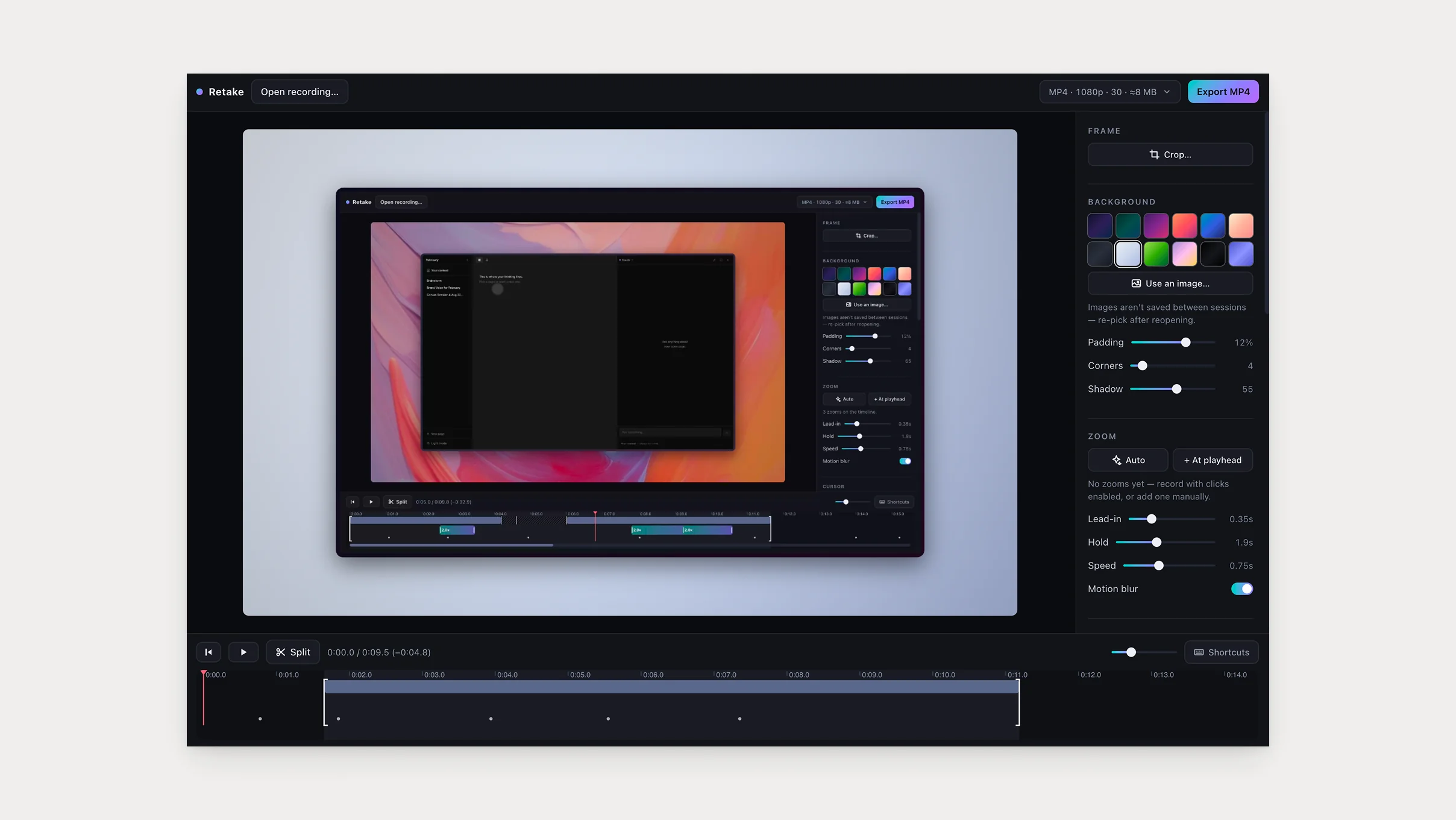
Zooms were the piece that had to be right. Each zoom is a pull on the camera that fades in and fades out, and the camera goes wherever the pulls add up. No keyframes. When two zooms overlap, their pulls blend, and the motion stays smooth on its own.
Nothing gets baked into the pixels, so every effect stays editable forever.
The weeks after
The two days produced a working tool. Then I spent the next couple of weeks using it for real work, and real use kept finding what the build hadn’t. The worst was a crop: set on one recording, it silently followed into the next one I opened, and export would have written a black MP4 of plausible size with no error to flag it. It had been there since the day cropping was built. Four separate reviews missed it, because reviews look at what just changed. It only turned up when the whole editor got read end to end.
The webcam was a gentler find. The first cut switched the camera on as recording started, so the opening seconds of your face were a frozen frame while the hardware warmed up. Rather than chase a faster warm-up, the recorder now turns the camera on first and waits for you to press Enter, so there’s no gap left to hide. And the one-time camera permission dialog now lands before the take, not in the middle of it.
Would I trust a free, two-part, terminal-launched recorder with my client work and call it my demo tool?
That was when I stopped paying for Screen Studio. My client work now ships through Retake, and the demos in this article were recorded and edited with it.
What comes next
The decision that made it trustworthy, keeping the recording as data instead of baked pixels, is the same one that makes the next thing possible. A Retake project is just a JSON file, so edits are data, so an agent can drive it: open this morning’s recording, zoom on every click, cut the dead air, export a GIF for the pull request. That part isn’t built yet. But it’s the reason the whole thing is shaped the way it is.
Retake is free and open source, MIT licensed: github.com/tonhaoln/retake.